
To add a new article to the Knowledge base of Axoniq, you need to navigate to the Knowledge base overview. Go to the https://support.axoniq.io/a/solutions for this. On this page, there's a "new article" button. The image below shows the new article button: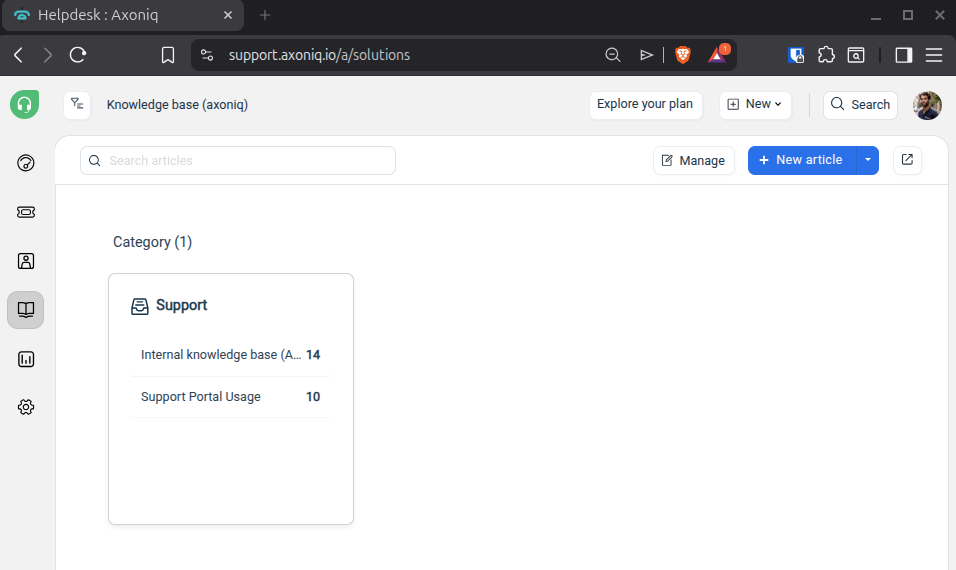
How to add a new article to the Knowledge base Print
Created by: Steven van Beelen
Modified on: Tue, 30 Dec, 2025 at 11:08 AM
Did you find it helpful? Yes No
Send feedbackSorry we couldn't be helpful. Help us improve this article with your feedback.